How Does the Passkey Verification Method Work?
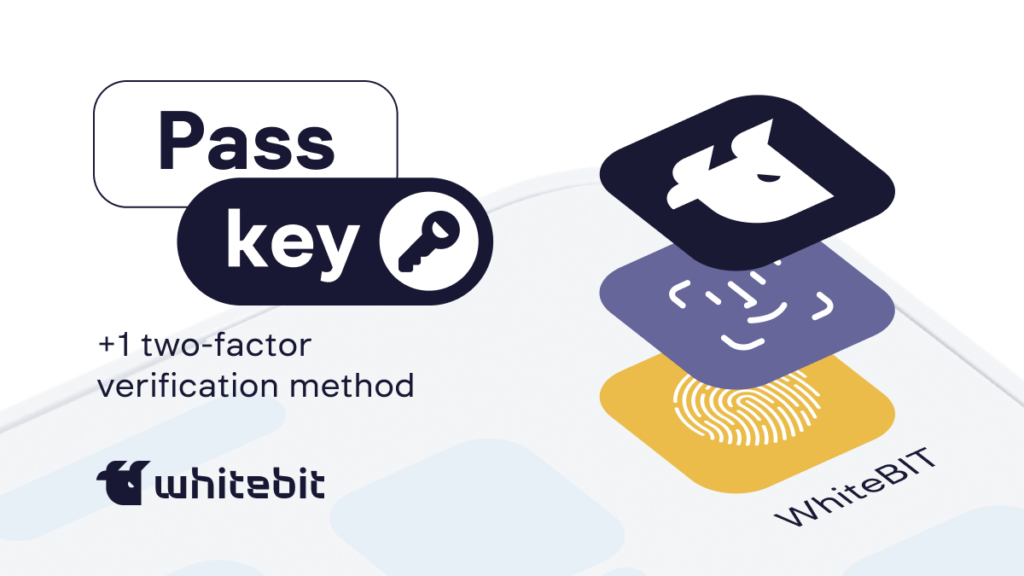
Let’s talk about passkey, a unique identifier that helps to protect user assets on the exchange further.
Main
- A passkey is an identifier used to confirm the validity of user actions within the exchange.
- Passkeys can be used for authorization, asset management, API keys, account security, gift card purchases, and other functions.
Sophisticated technical attacks do not cause most security incidents in the digital world. In fact, the main threat comes from somewhat simpler methods. For example, social engineering and credential theft open up vast opportunities for attackers to access other people’s accounts and resources. Most users rely on passwords, the leading cause of over 80% of data breaches. And security issues cannot be taken casually when it comes to a password for an exchange where users store their assets.
So, we are introducing a new method of two-factor verification on our exchange, which will create an additional layer of protection for users.
What’s the unique feature of Passkey?
Passkey is an authentication technology that optimizes access to systems using two-factor authentication (2FA) by enabling easy and fast login via PIN or biometrics such as fingerprint or face recognition directly from the user’s device.
This unique identifier adds another way for two-factor verification on our exchange, working like the prevalent system of one-time passwords that refresh over time, TOTP (Time-Based One-Time Password), which many people use through apps like Google Authenticator.
WhiteBIT does not directly store or use biometric data. This data remains uniquely stored on the user’s device and will never leave the secure chip element of his device.
The main feature of the passkey is the two security keys: private and public.
- A public key is a unique code that helps a service like our WhiteBIT exchange recognize your authenticator.
- The private key remains only in your authenticator; no one else can access it, and it is needed to confirm your actions.
How Does Passkey Work on WhiteBIT?
The most important thing for us is the security of user funds and data. Therefore, to use the functions of withdrawing funds, creating WB codes, and many others, you need to enable one of the types of 2FA (Passkey or TOTP). You can also use passkey to verify the addition and removal of TOTP, and vice versa, TOTP to add and remove passkey.
How do I enable Passkey on WhiteBIT?
To enable it in the web version, follow a few simple steps:
- Log in to your WhiteBIT account and go to the Account Settings and Security sections;
- Select the “Two-Factor Authentication” section by clicking on the “Edit” button;
- Click on “Manage Passkey” and then “Continue”;
- Register the passkey by choosing one of the authentication methods;
- Confirm the access key using the method of your choice.
Please note that you can register a maximum of 5 access keys per account.
Passkey on WhiteBIT is another step forward in the security of your assets! Learn more about Passkey in our article in the Help Center.